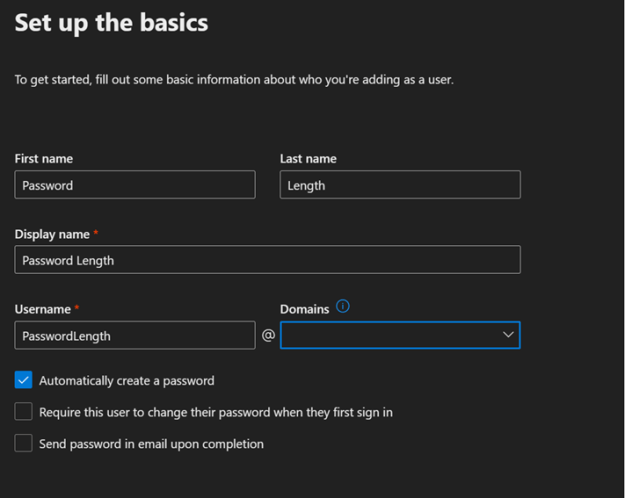
In the Microsoft 365 Admin Center administrators may provision new user accounts. The password for the account created may be auto generated during the account creation.
At the conclusion of creating the account the password is displayed along with the relevant account information.
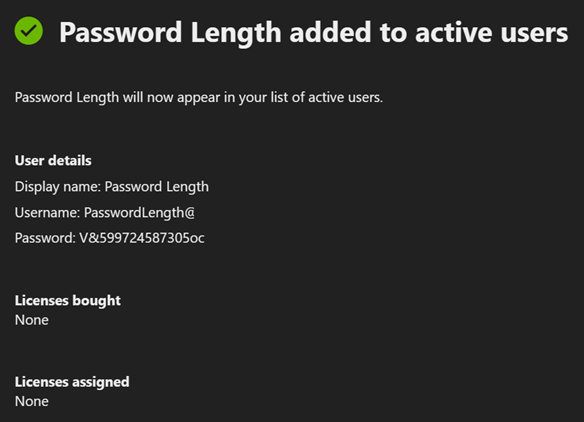
The password generated in this instance is 16-character complex password. In the previous version of the M365 Admin Center the password created was only an 8-character complex password.
The change in password length is due to a migration of the method that users are provisioned within the M365 Admin Center. New versions of the M365 Admin Center utilize graph interfaces to provision user identities. The new graph interfaces utilize a default 16-character complex password. The password length cannot be specified or changed.
As of the time of publishing this post the reset password option on the user account still provides an 8-character complex password. It is expected that as all features are migrated to the new graph interfaces this will also change. When creating account or resetting password if a shorter password length is desired the administrator may specify the option to provide the password rather than letting the password be automatically managed.
 TIMMCMIC